Creating an addy.io account only takes a few minutes. You will choose a username, verify your email address, and set a strong password before you can start creating aliases. This article walks through each step in plain language so you can get set up quickly and securely.
Choosing a username
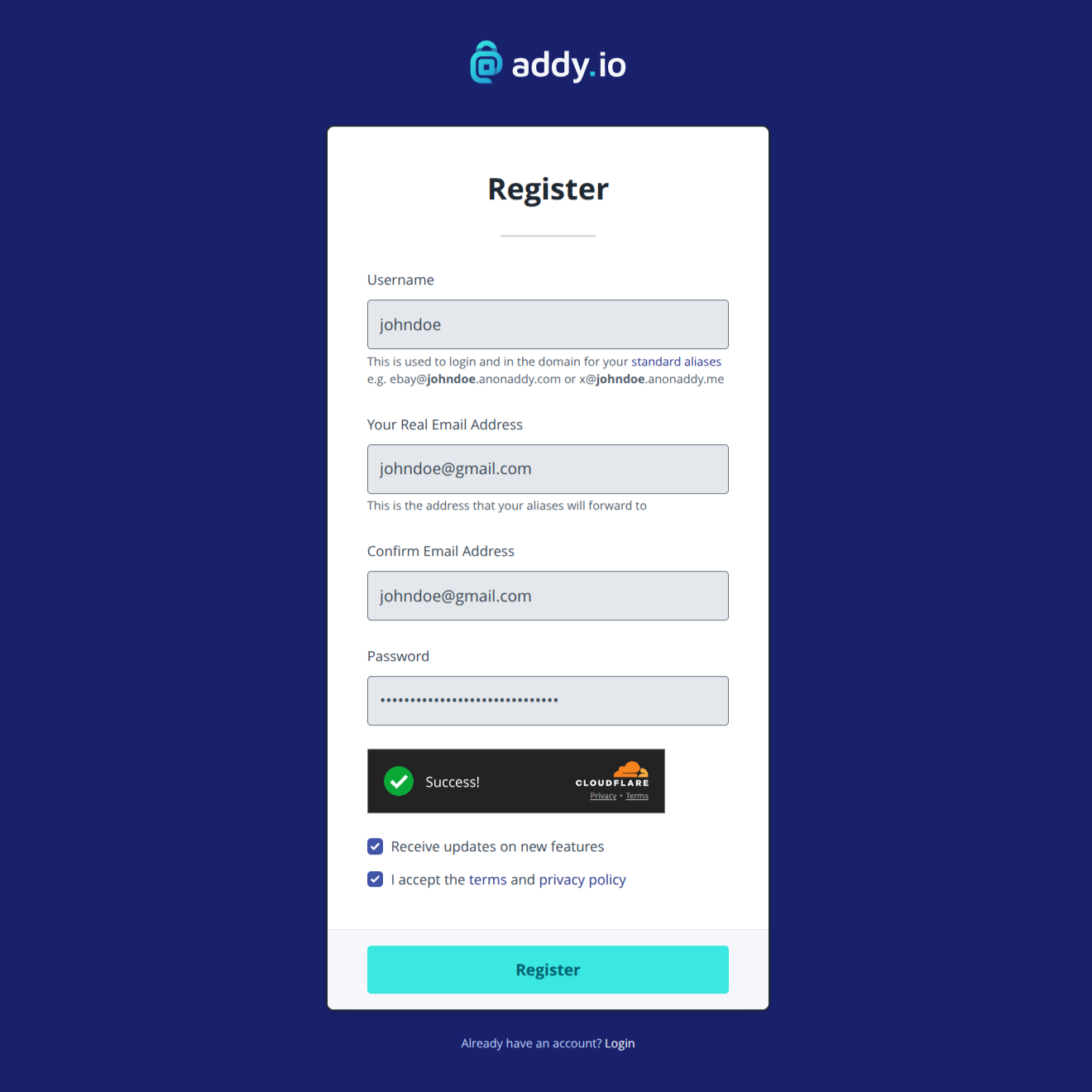
Your username is unique across addy.io and forms part of your alias addresses. For example, if you choose johndoe, your standard aliases will use the domain johndoe.anonaddy.com (e.g. hello@johndoe.anonaddy.com). Usernames can be up to 20 characters long and may only contain letters and numbers.
Choose a username that is not linked to your real name or identity and that you have not used elsewhere online. This makes it harder for your aliases to be linked back to you. Your account username cannot be changed after registration, so pick carefully.
Verifying your email address
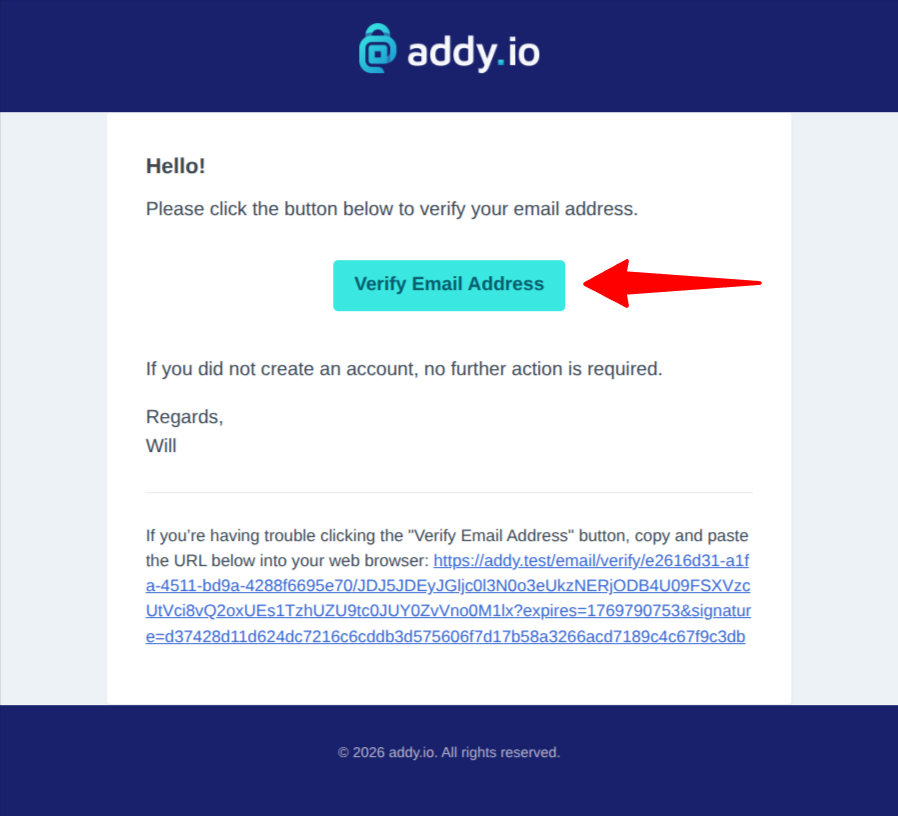
After you sign up, addy.io sends a verification link to the email address you provided. To verify your email address, click the "Verify Email Address" button in that email as shown in the screenshot below. You must verify your email before you can use your account.
Choosing a strong password
Use a strong, unique password for your addy.io account. A good password is long, mixes letters, numbers and symbols, and is not reused on other sites. addy.io does not store your password in plain text; it is hashed securely.
After your account is set up, we recommend enabling two-factor authentication (2FA) in your account settings for extra security.
Terms and privacy
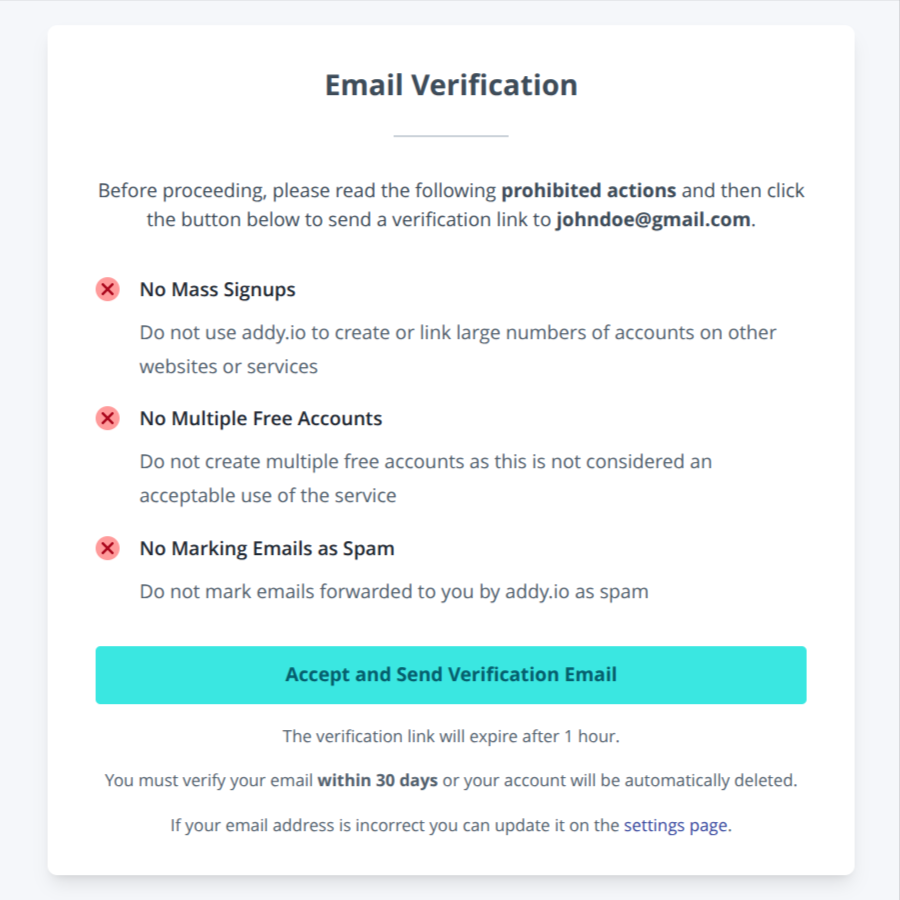
Before receiving the email verification link, you have to accept that you will not perform the prohibited actions as shown in the screenshot below.
Please make sure that you understand these prohibited actions and that you have read the terms of service too in order to avoid your account being disabled for breaking them.