
Deleting a recipient removes that email address from your addy.io account. Aliases that were forwarding to it will instead use the account default recipient. This article explains how to delete a recipient and what to do first if aliases are using it.
Before you delete a recipient
- Default recipient - If this recipient is your account’s default recipient, set a different default before deleting.
How to delete a recipient
- Log in and go to Recipients in the navigation bar.
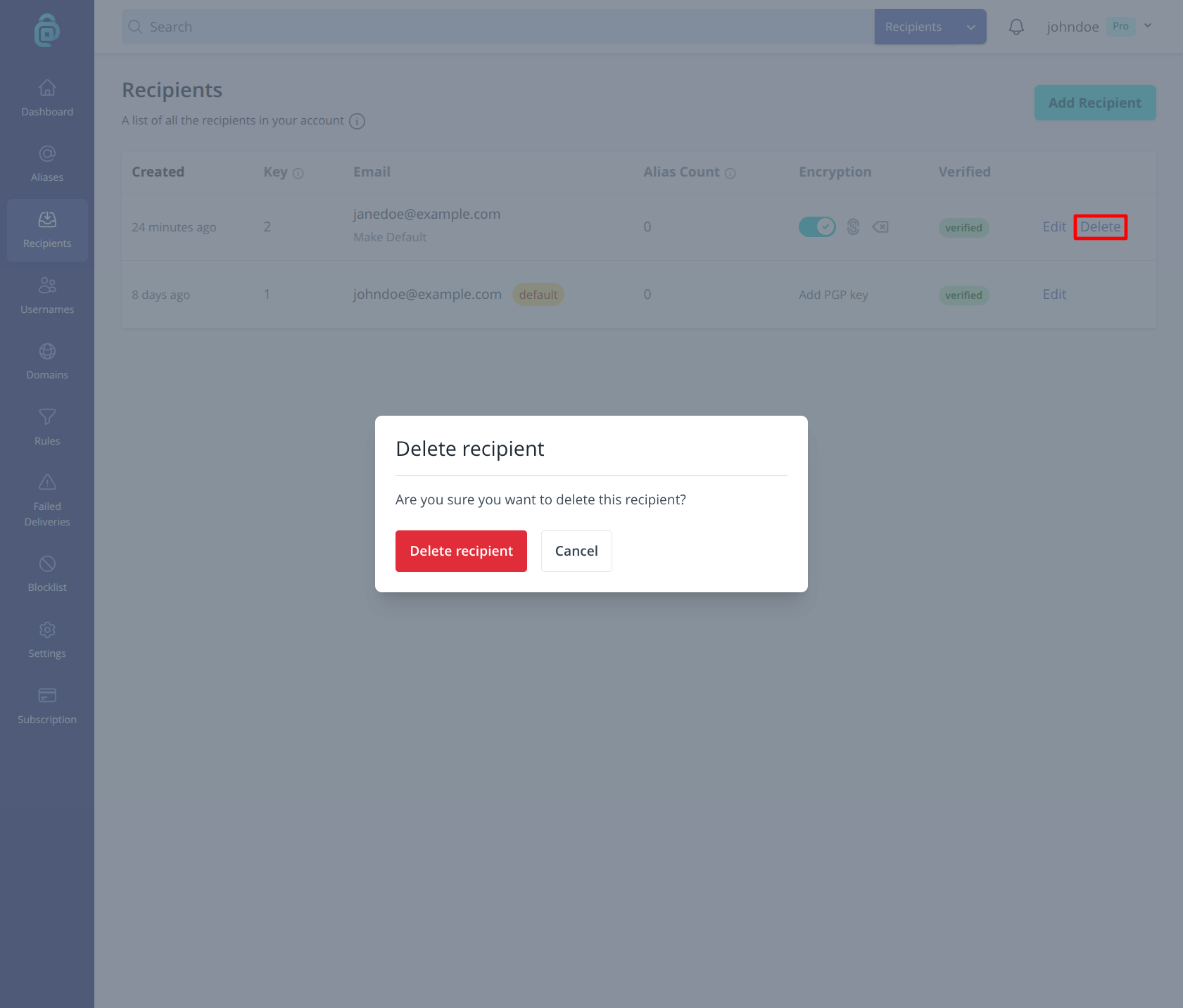
- Find the recipient you want to remove and click Delete (as shown in the red box below).
- Confirm. The recipient is removed from your account.
You can add the same email address again later as a new recipient; you will need to verify it again.