
If you cannot log in to addy.io because you have forgotten your username or password, you can recover access using the links on the login page. Recovery emails are sent to the recipient address you added to your account, so make sure you can access that inbox. This article walks you through resetting your password, recovering your username, and what to do if you remain locked out.
Resetting your password
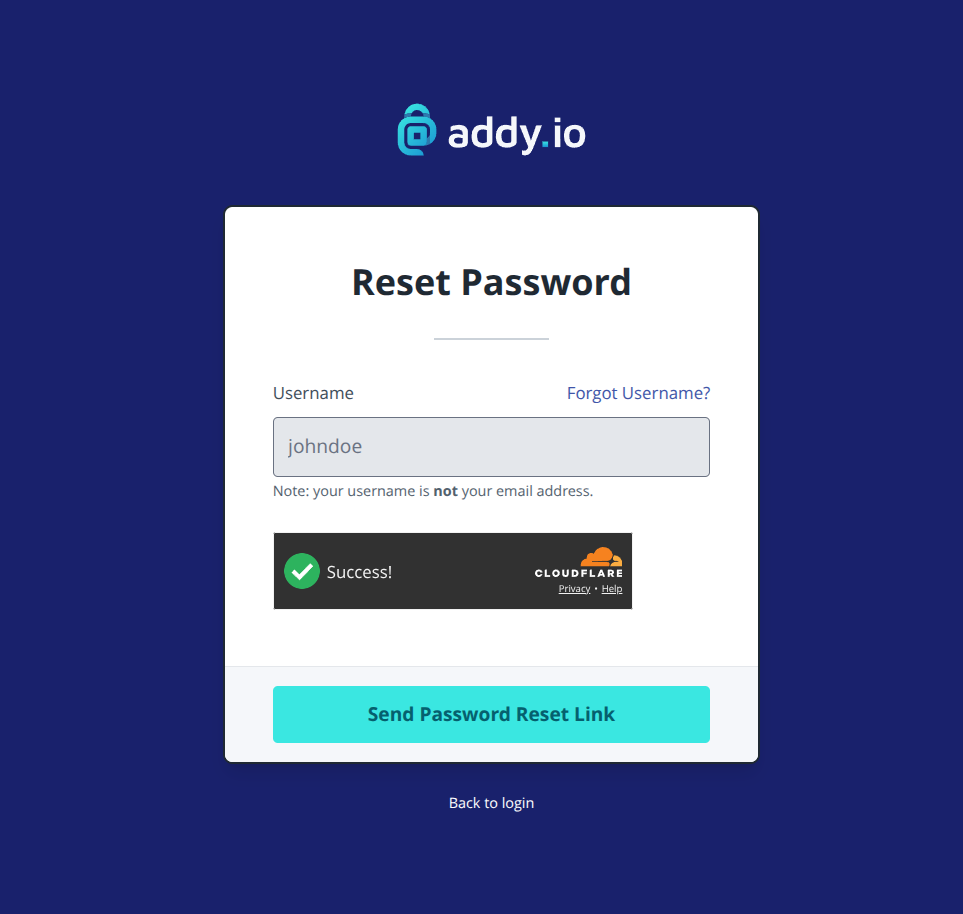
- Go to https://app.addy.io and click Forgot password? above the password input field.
- Enter the username of one of your addy.io account. addy.io will send the password reset link to the default recipient address.
- Check that recipient's inbox (and spam/junk folder) for an email from addy.io with a link to reset your password.
- Click the link in the email and follow the instructions to set a new password.
- Use your username and the new password to log in again.
Recovering your username
If you remember your password but not your username (or which username you used to sign up):
- Go to https://app.addy.io and look for Forgot username? above the username input field.
- Enter the email address of one of your verified recipients. This is the real email where addy.io forwards your alias mail, not an alias address. addy.io will send a message to that address listing the username associated with your account.
- Check that recipient's inbox (and spam/junk folder) for the email, then use the username shown to log in with your existing password.
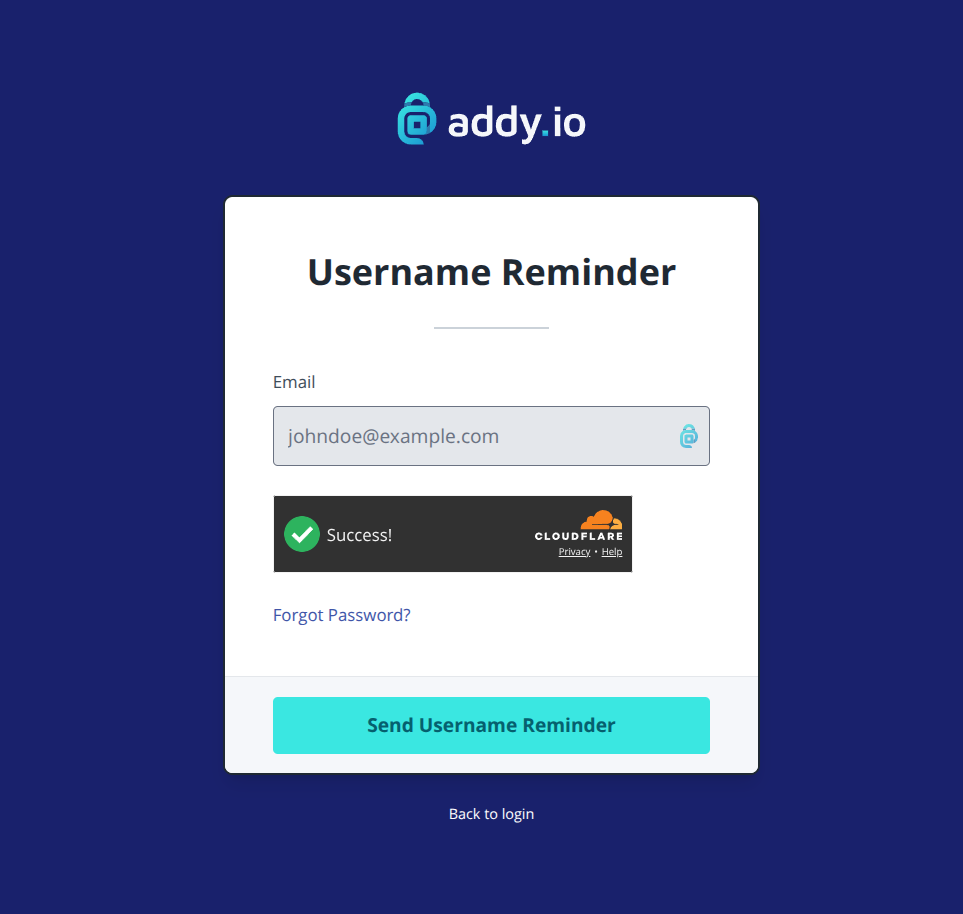
Note: You must enter a recipient email address, the address you added and verified in addy.io. If you enter an alias, the reset email cannot be delivered.
Lost access to your recipient email or two-factor authentication
- You no longer have access to the recipient email - If you cannot receive email at any of the recipient addresses on your account, addy.io cannot send you a password reset or username reminder. In that case, please contact support and explain the situation. You may be asked to verify your identity before access can be restored.
- You have two-factor authentication (2FA) enabled and lost your device or backup codes - If you cannot generate a 2FA code and do not have a backup code, see Security settings for guidance, or contact support for help recovering your account.
Still cannot log in?
If you have followed the steps above and still cannot access your account (for example, the reset or reminder email never arrives, or the link has expired), contact us with as much detail as you can: the recipient email you used, whether you requested a password reset or username reminder, and any error message you see. We will do our best to help you regain access.