
By default, every username on your account (your sign-up username and additional usernames) can be used to log in with your account password. You can turn off Can Be Used To Login for a username so that it can no longer be used to sign in; the username and its aliases stay active for receiving and sending mail. This is useful if you want to use a username only for aliases and not as a login option (e.g. on a shared or less secure device). This article explains how to change this setting.
How to allow or disallow login for a username
- Log in and go to Usernames in the navigation bar.
- Find the username you want to change and click "Edit" on the right-hand side of the table.
- Find Can Be Used To Login. It is a toggle switch.
- Turn it on to allow signing in with this username, or off to prevent login with this username. Changes are saved automatically.
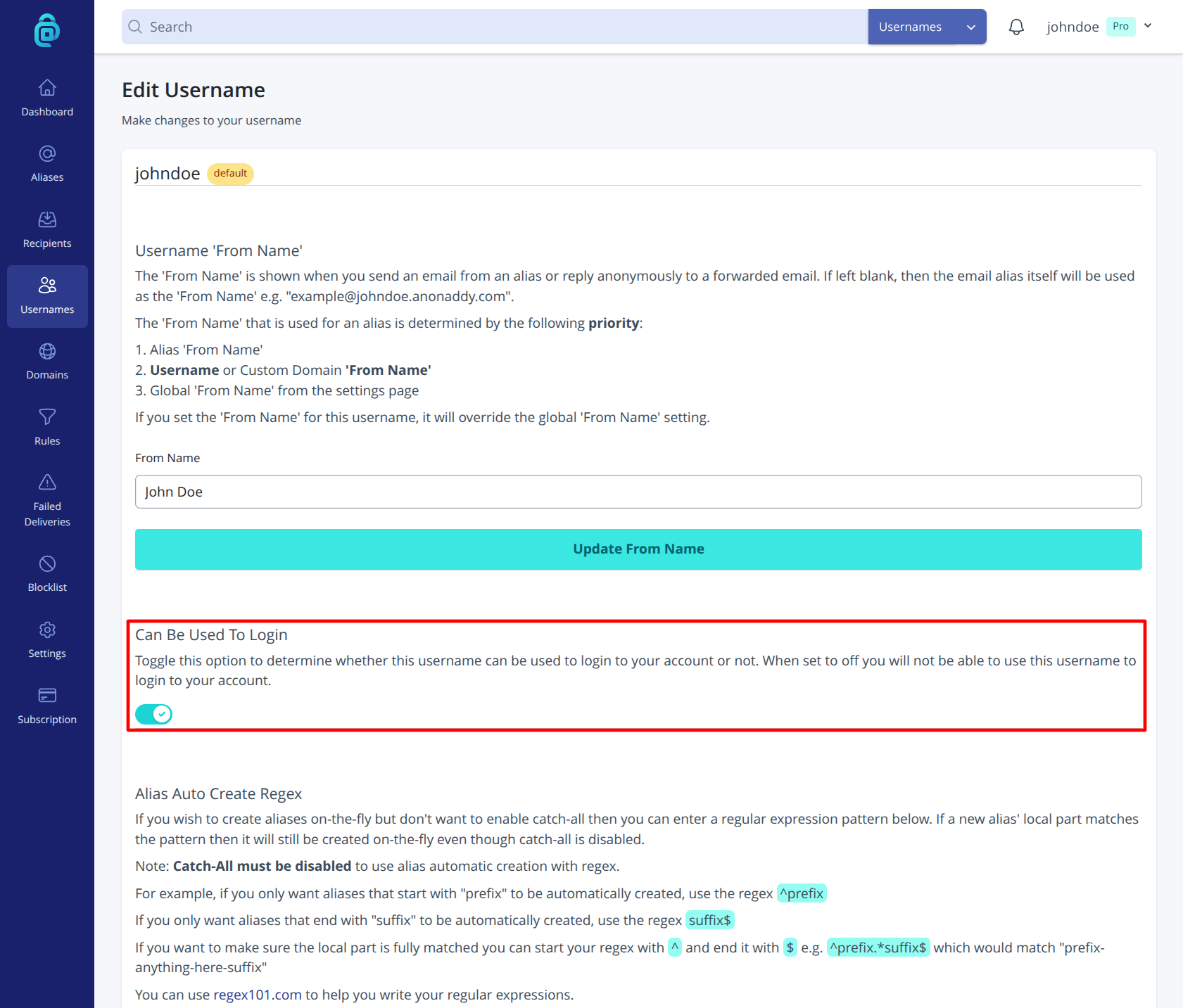
When Can Be Used To Login is off, that username cannot be entered on the login screen; you must use another username that has the setting on. The username still works for aliases (e.g. mail@thisusername.anonaddy.com), default recipient, and catch-all-only login is disabled. You can turn it back on at any time.