
Rules are applied to incoming mail in a fixed order. When an email is received, addy.io checks rules from top to bottom. More than one rule can match and apply actions, so sequence still matters when rules overlap (for example, one rule might change the subject and another might forward to a specific recipient). This article explains how to change the order in which rules are applied.
Where to change rule order
- Log in and go to Rules in the navigation bar.
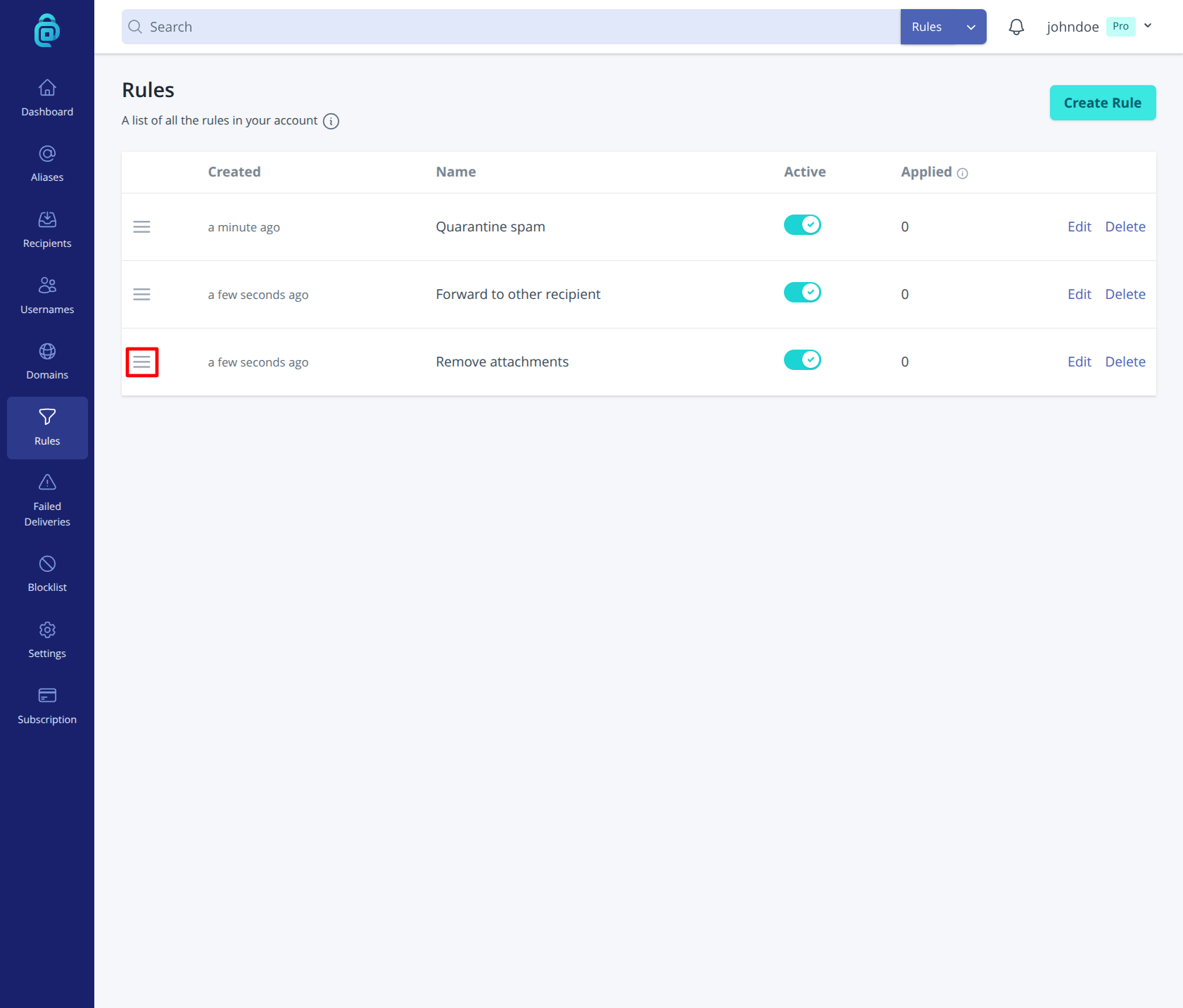
- You will see a list of your rules. Use drag and drop to reorder them by clicking the icon shown in the red box below. Changes are automatically saved.
Why order matters
If two rules could both match an email, order controls the sequence they are evaluated in and can affect the final result. Put the most specific or highest-priority rules higher in the list, especially for actions like block, quarantine, or forward to that can significantly change delivery. You can always create, deactivate or delete rules and adjust the order as your needs change.