
The addy.io mobile app lets you manage your aliases, recipients, and other account features from your phone or tablet. This article explains where to download the app for Android or iOS, how to sign in with your addy.io account, and how to use the main features on mobile.
Where to download the app
The official addy.io mobile app is available for both Android and Apple devices.
Android
- addy.io on the Google Play Store
- addy.io on F-Droid (no Google services required)
iOS
Logging in to the app
After you install the app, open it and sign in with the same username and password you use for app.addy.io. If you have two-factor authentication enabled on your account, you will be asked for your authenticator code when you log in.
What you can do in the app
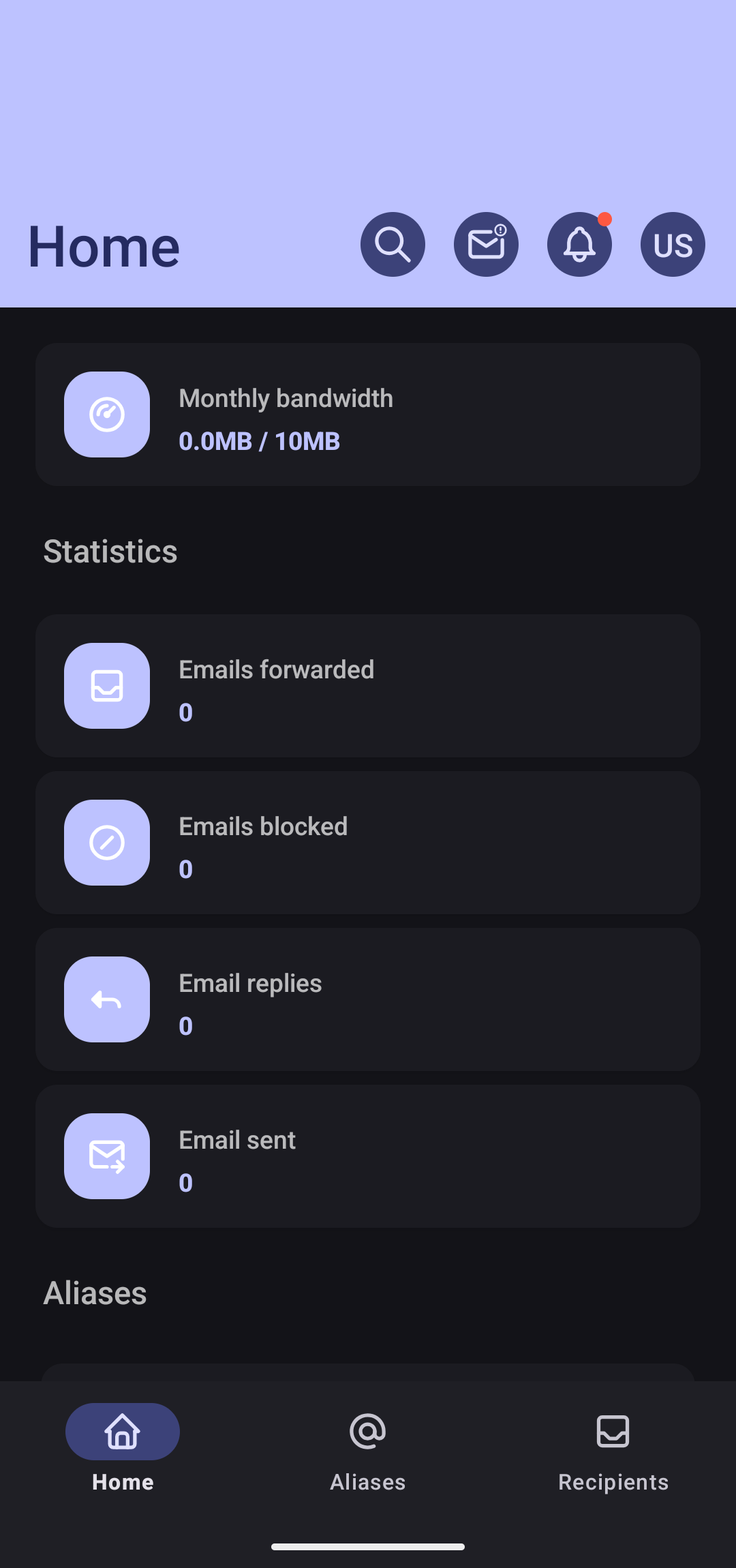
The mobile app gives you access to the main parts of your addy.io account:
- Aliases - View your aliases, create new ones, and turn them on or off. You can deactivate an alias directly from the app by following the instructions in the app.
- Recipients - See and manage the email addresses where your aliases forward mail.
- Domains and usernames - View and manage custom domains and additional usernames, where applicable.
The layout may differ slightly from the website, but the same account data and settings apply. Any changes you make in the app are reflected when you use the web application and vice versa.
Need help?
If you have trouble logging in, see What to do if you have forgotten your username or password. For more ways to manage your aliases (including from the app), see Deactivating email aliases.