
You can set a default display from name for all aliases under a username. When you send or reply from an alias at that username, the recipient will see this name in the From field (e.g. "Newsletter" in Newsletter <alias@username.anonaddy.com>) unless you have overridden it for a specific alias. This article explains how to set or change the display from name for a username.
Where to change the display from name for a username
- Log in and go to Usernames in the navigation bar.
- Find the username you want to edit and click "Edit" on the right-hand side of the table.
- Find Username 'From Name'. Enter the name you want people to see when you send or reply from aliases at this username (e.g. "John" or "Jane").
- Save by clicking Update From Name. New and existing aliases at this username will use this default; you can still override it per alias if needed.
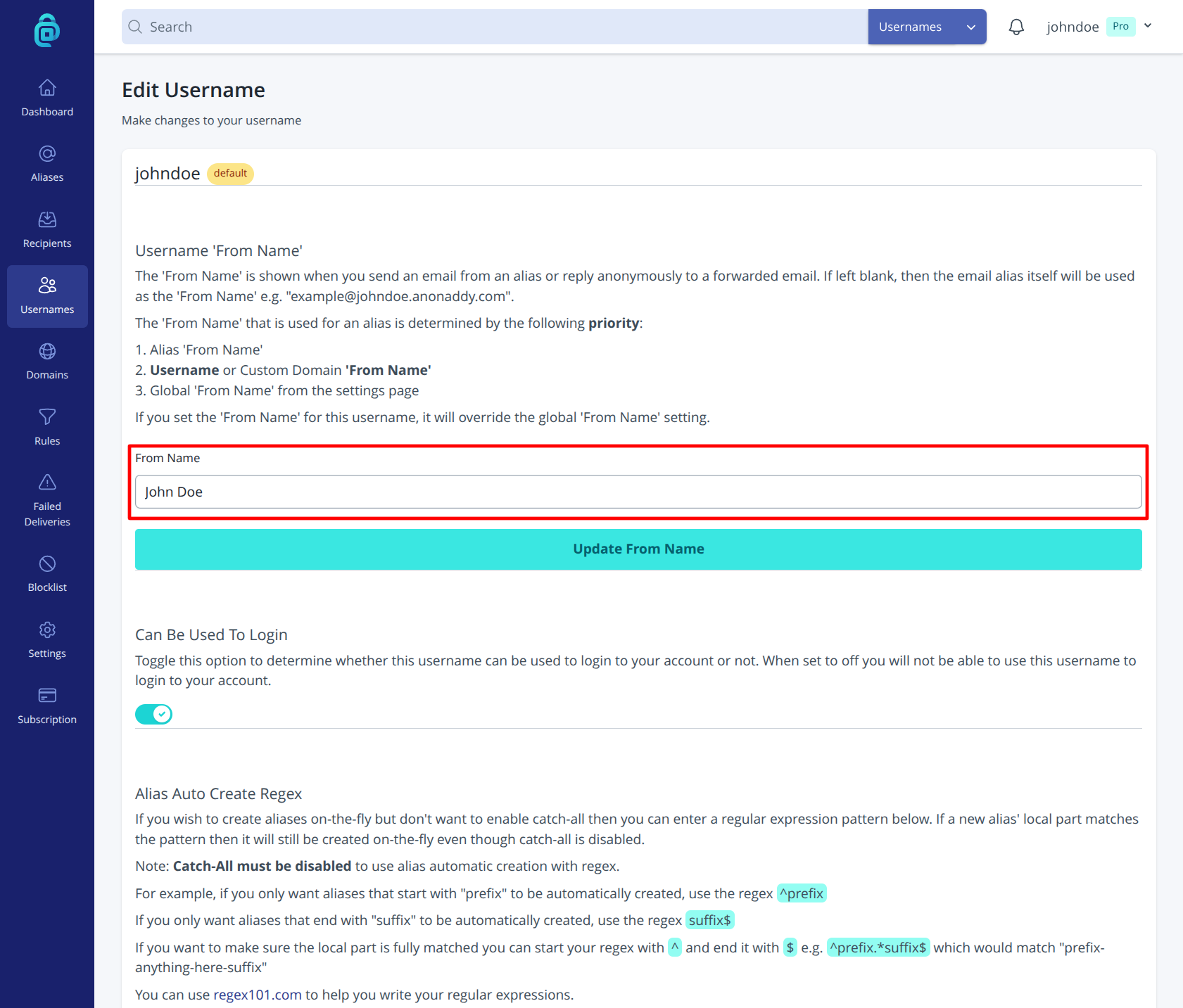
If you leave the field blank, the From field may show only the alias email address. Setting a default at the username level keeps a consistent identity for all aliases under that username unless you change it for individual aliases.